


Scanning APK file for URIs, endpoints & secrets.
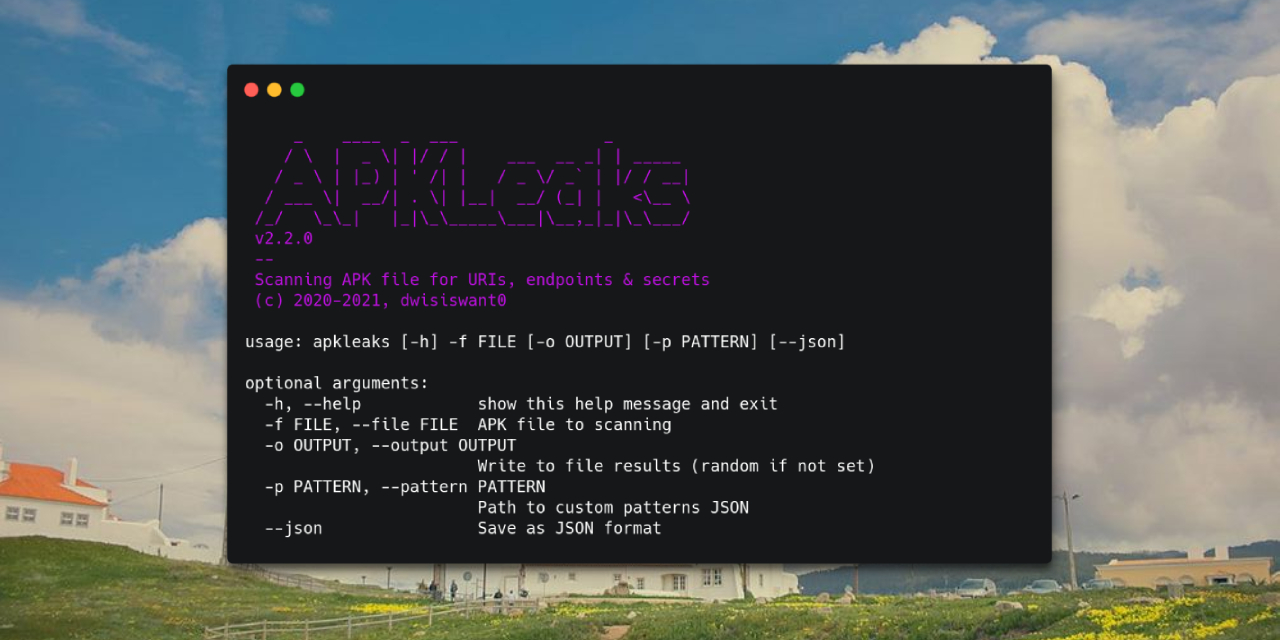
It's fairly simple to install APKLeaks:
$ pip3 install apkleaksClone repository and install requirements:
$ git clone https://github.com/dwisiswant0/apkleaks
$ cd apkleaks/
$ pip3 install -r requirements.txtPull the Docker image by running:
$ docker pull dwisiswant0/apkleaks:latestThe APKLeaks utilizes the jadx disassembler to decompile APK files. If jadx is not present in your system, it will prompt you to download it.
Simply,
$ apkleaks -f ~/path/to/file.apk
# from Source
$ python3 apkleaks.py -f ~/path/to/file.apk
# or with Docker
$ docker run -it --rm -v /tmp:/tmp dwisiswant0/apkleaks:latest -f /tmp/file.apkHere are all the options it supports.
| Argument | Description | Example |
|---|---|---|
| -f, --file | APK file to scanning | apkleaks -f file.apk |
| -o, --output | Write to file results (random if not set) | apkleaks -f file.apk -o results.txt |
| -p, --pattern | Path to custom patterns JSON | apkleaks -f file.apk -p custom-rules.json |
| -a, --args | Disassembler arguments | apkleaks -f file.apk --args="--deobf --log-level DEBUG" |
| --json | Save as JSON format | apkleaks -f file.apk -o results.json --json |
In general, if you don't provide -o argument, then it will generate results file automatically.
[!TIP] By default it will also save the results in text format, use
--jsonargument if you want JSON output format.
Custom patterns can be added with the following argument to provide sensitive search rules in the JSON file format: --pattern /path/to/custom-rules.json. If no file is set, the tool will use the default patterns found in regexes.json file.
Here's an example of what a custom pattern file could look like:
// custom-rules.json
{
  "Amazon AWS Access Key ID": "AKIA[0-9A-Z]{16}",
  // ...
}
To run the tool using these custom rules, use the following command:
$ apkleaks -f /path/to/file.apk -p rules.json -o ~/Documents/apkleaks-results.txtWe give user complete discretion to pass the disassembler arguments. For example, if you want to activate threads in jadx decompilation process, you can add it with -a/--args argument, example: --args="--threads-count 5".
$ apkleaks -f /path/to/file.apk -a "--deobf --log-level DEBUG"
[!WARNING] Please pay attention to the default disassembler arguments we use to prevent collisions.
apkleaks is distributed under Apache 2.
Since this tool includes some contributions, and I'm not an asshole, I'll publically thank the following users for their helps and resources:
-
@ndelphit - for his inspiring
apkurlgrep, that's why this tool was made. -
@dxa4481 and y'all who contribute to
truffleHogRegexes. -
@GerbenJavado & @Bankde - for awesome pattern to discover URLs, endpoints & their parameters from
LinkFinder. -
@tomnomnom - a
gfpatterns. -
@pxb1988 - for awesome APK dissambler
dex2jar. - @subho007 for standalone APK parser.
-
SHA2048#4361(Discord user) that help me porting code to Python3. - @Ry0taK because he had reported an OS command injection bug.
-
@dee__see - for curated potentially sensitive tokens,
NotKeyHacks. - All contributors.